

Lesson Comments
Add an asynchronous discussion thread to every lesson so learners can post comments, reply, and like — turning passive content into collaborative social learning. Staff also get a private Team channel to coordinate behind the scenes.
Features
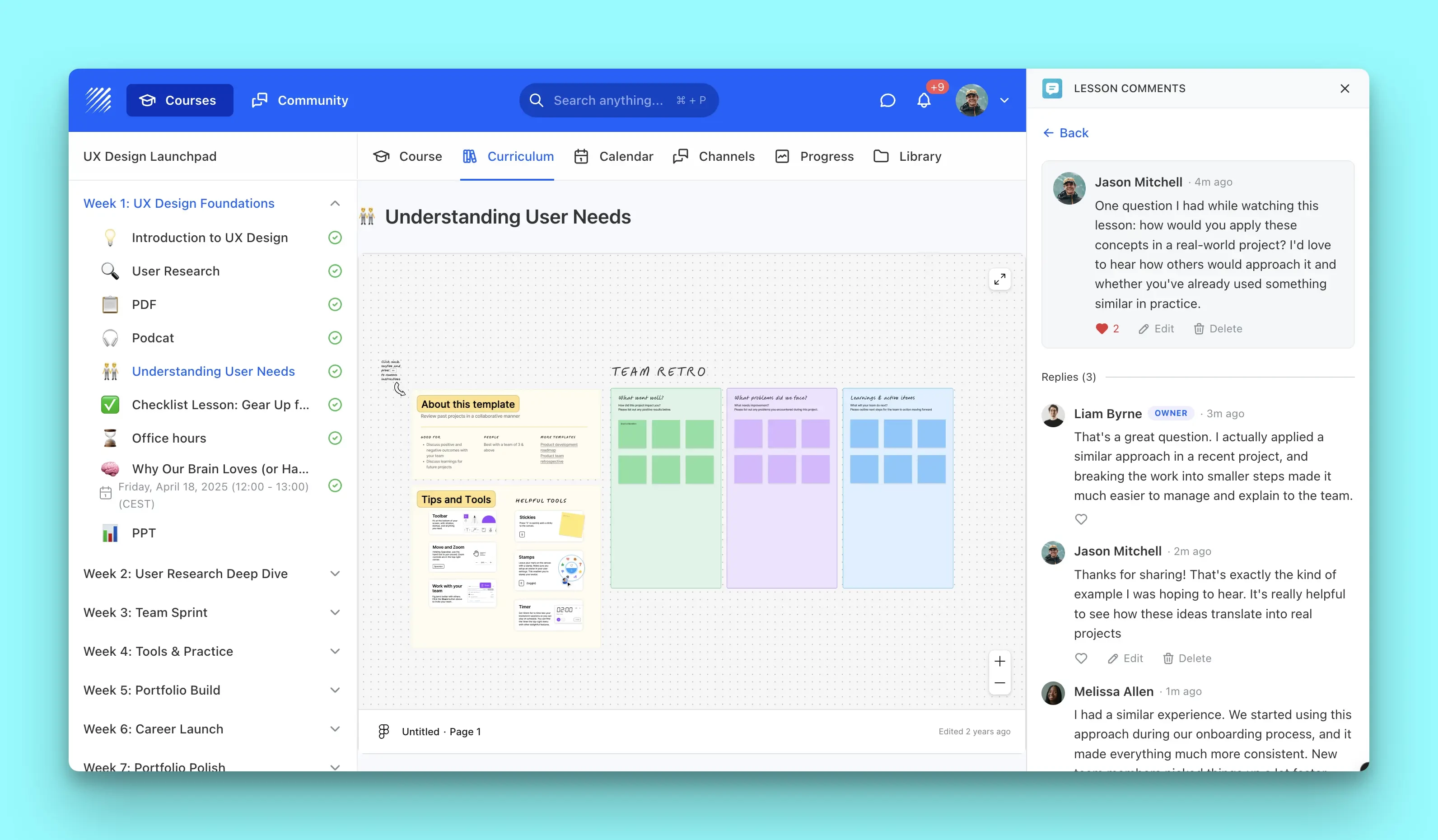
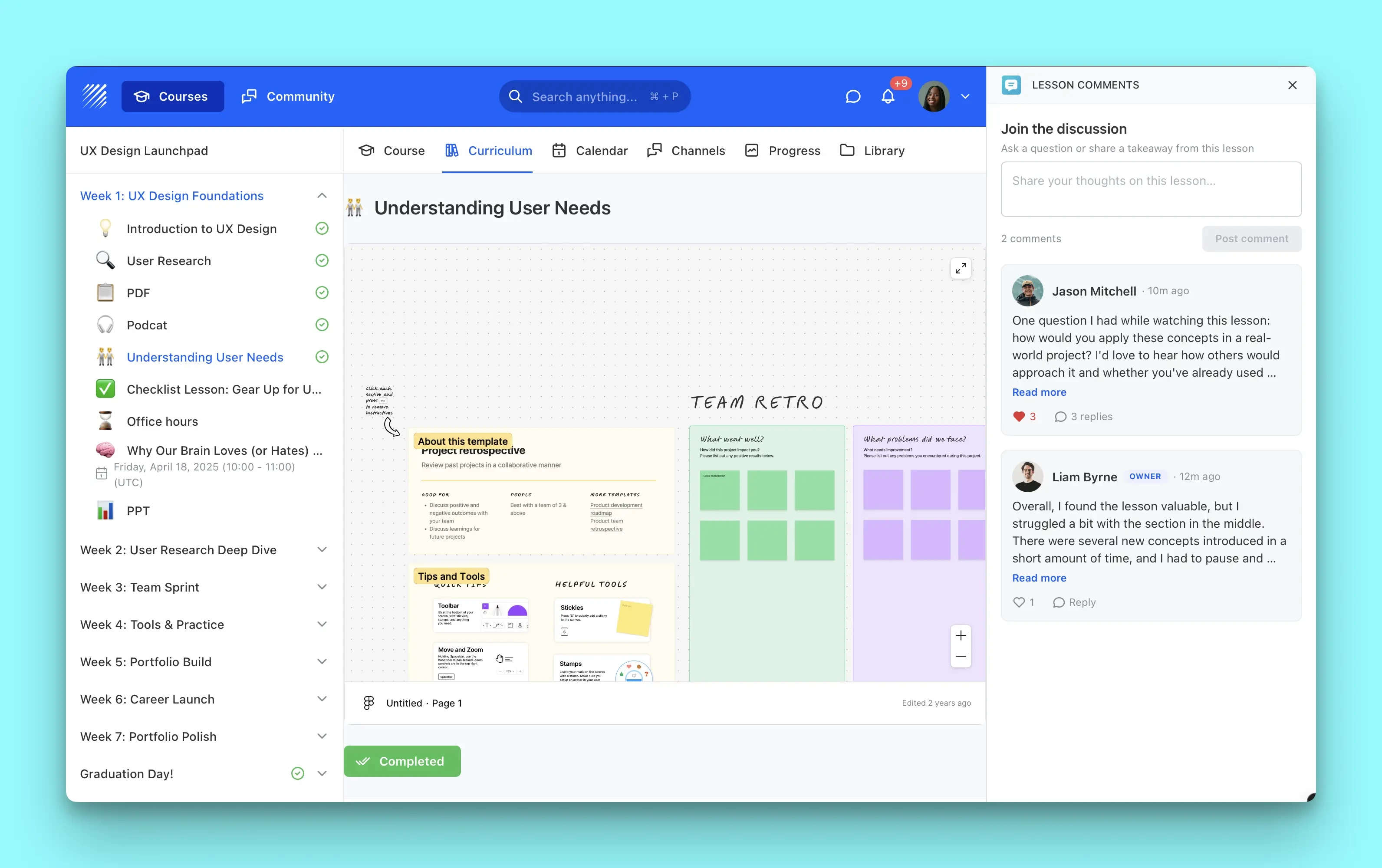
Threaded Discussions
Learners post comments on any lesson, reply to each other, and like the most helpful answers. Author names, avatars, and role badges keep every conversation clear and easy to follow.
Community & Team Channels
A public Community channel keeps learners talking, while a staff-only Team channel lets instructors and admins discuss the same lesson privately. Switching between channels takes a single tap.
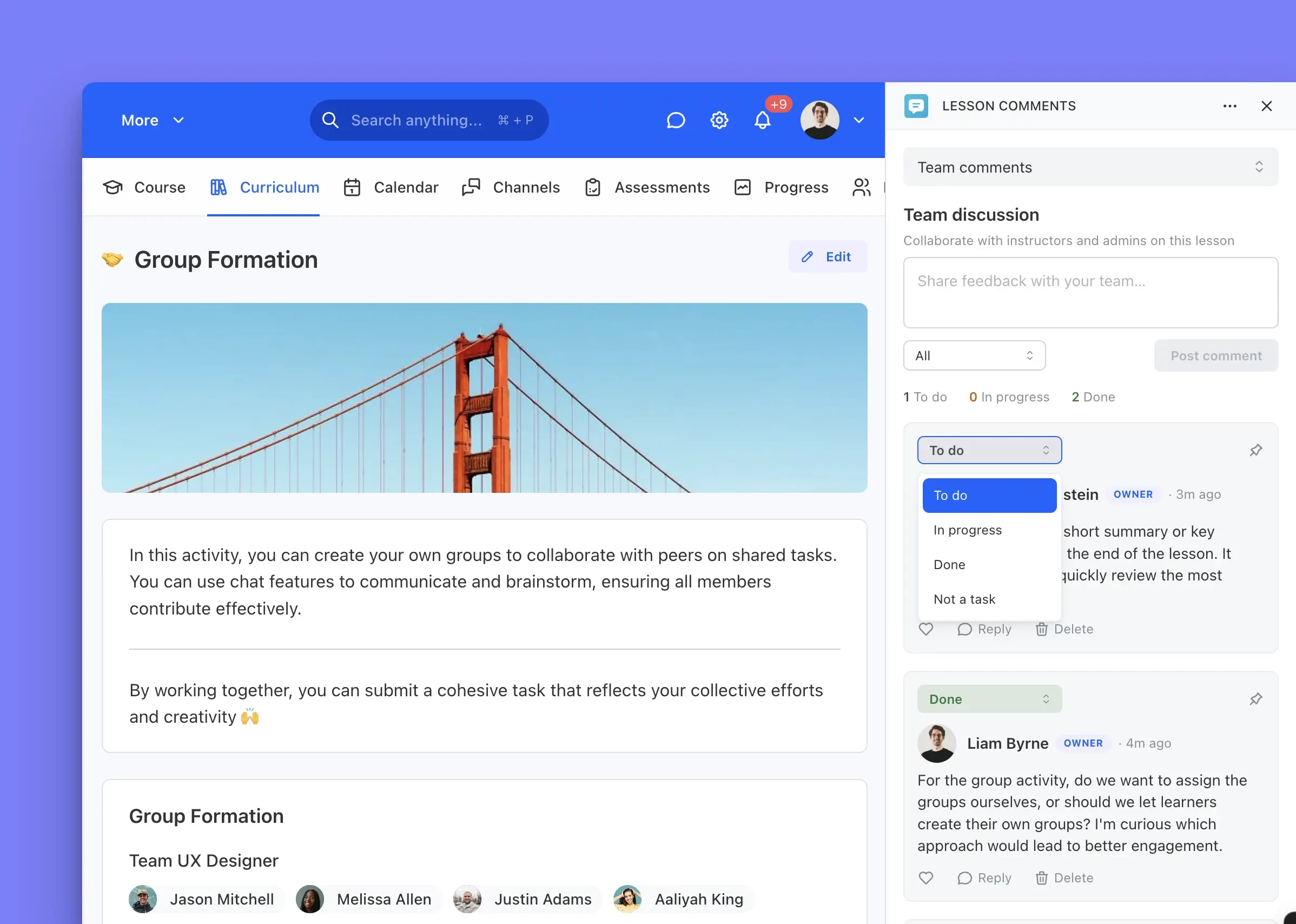
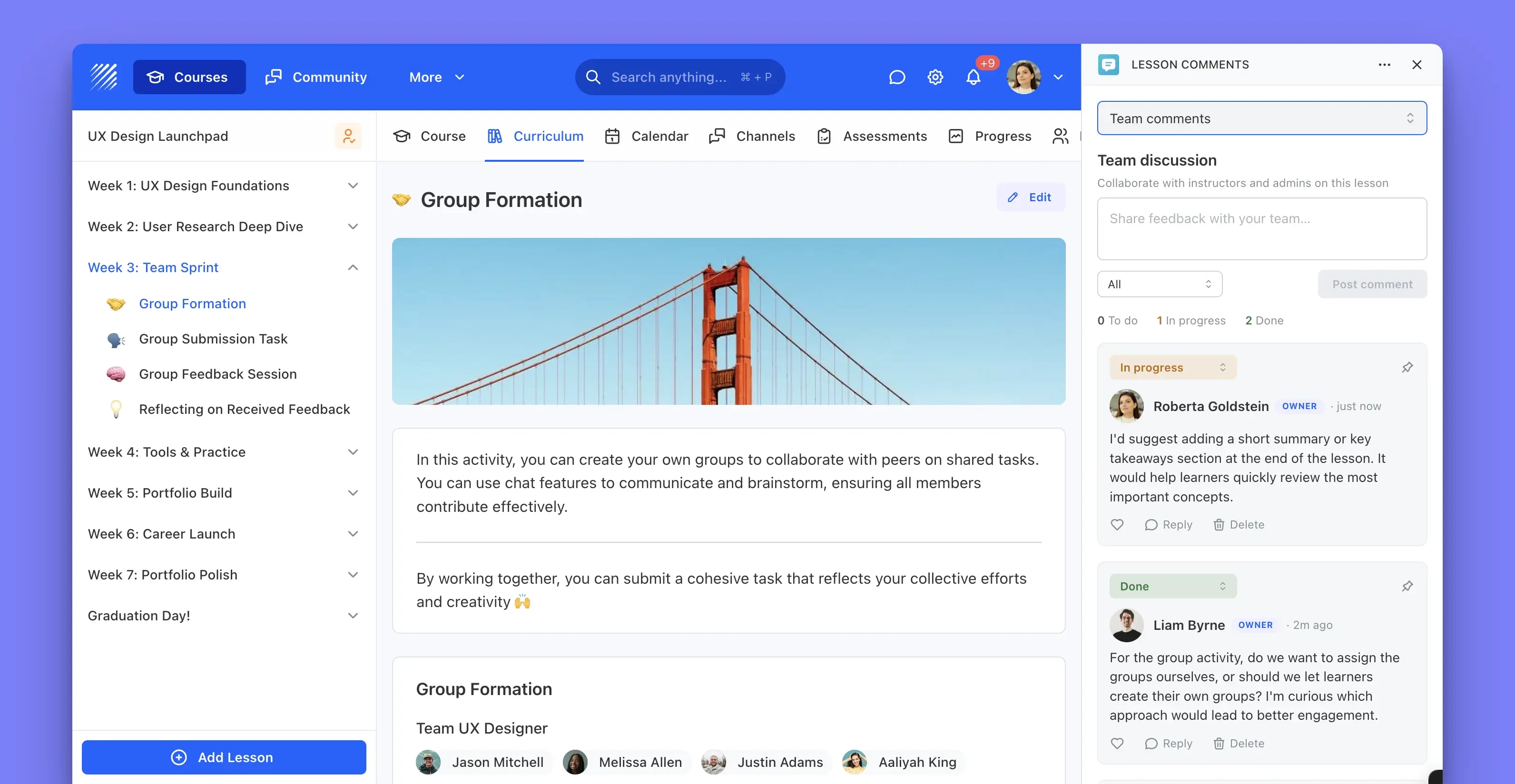
Built-in Task Board
In the Team channel, turn any comment into a task with a To do, In progress, or Done status, and pin the important ones to the top. It is a lightweight production board that lives right next to the content it is about.
Permissions
Once installed, Lesson Comments will be permitted access to your Teachfloor data as described below.
- User:ReadRead-only
- Appdata:WriteRead-only
- Appdata:ReadRead-only