

Helper
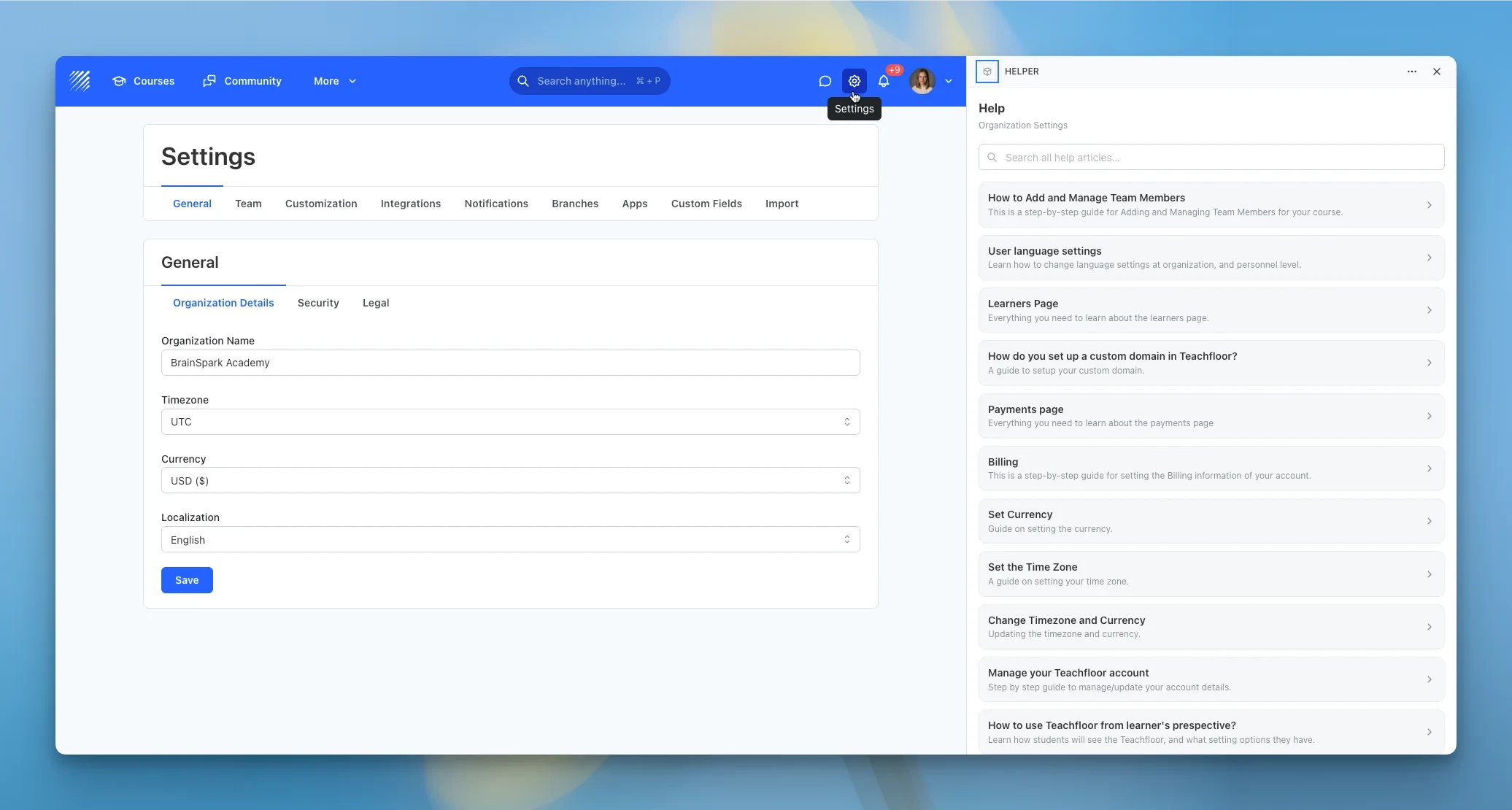
Contextual help that surfaces the right knowledge-base article for wherever you are in the dashboard, right in the drawer. Staff get the most relevant guides for the page they are on — courses, settings, integrations, and more — without ever leaving Teachfloor.
Features
Context-Aware Articles
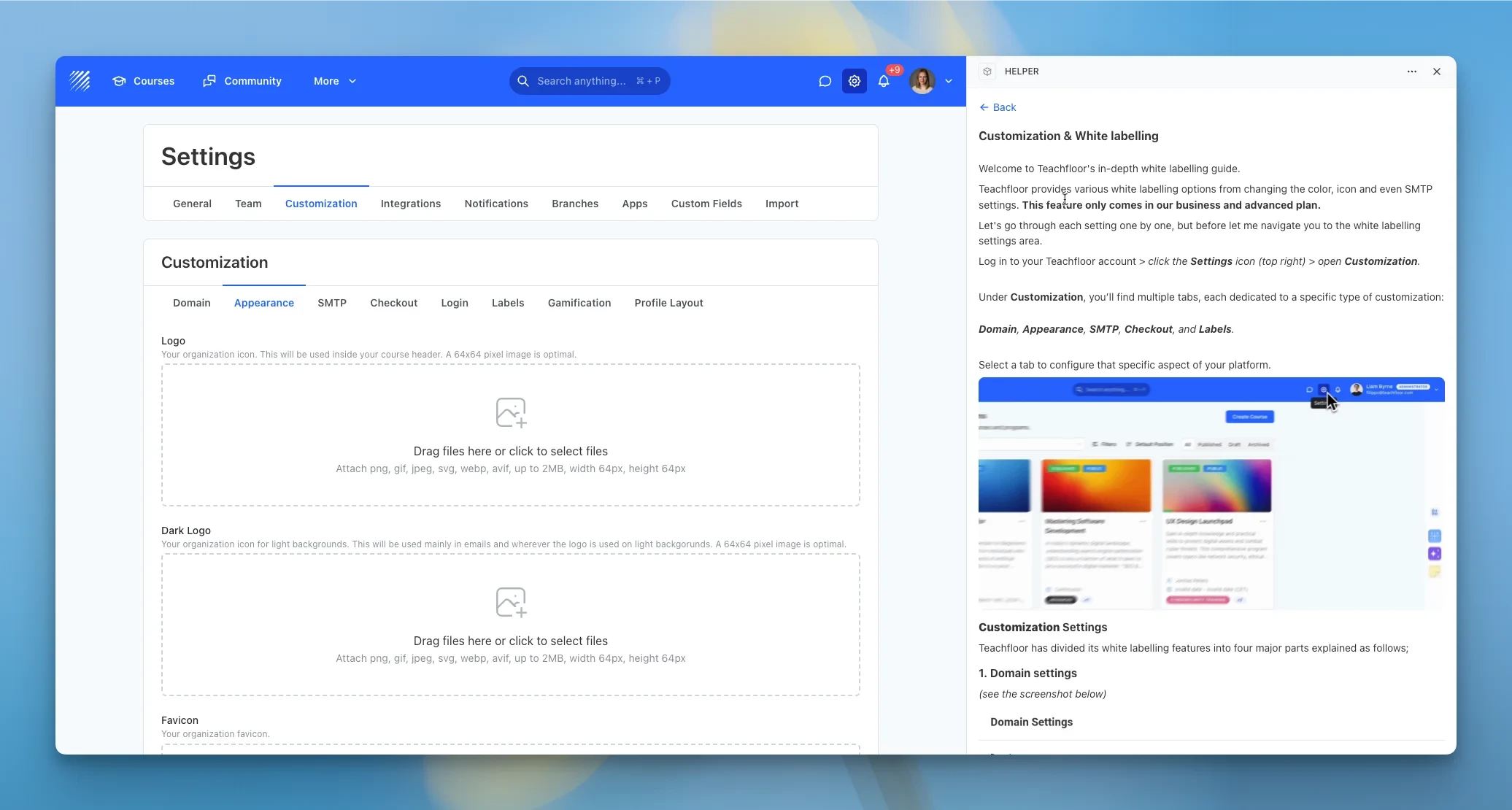
Helper detects which part of the dashboard you are in and instantly shows the matching knowledge-base articles. From courses to customization settings, the right guidance is always one click away.
Full Articles In-Drawer
Read complete articles — text and images — directly inside the help drawer, with a clean, readable layout. A single tap opens the full article in a new tab whenever you want more detail.
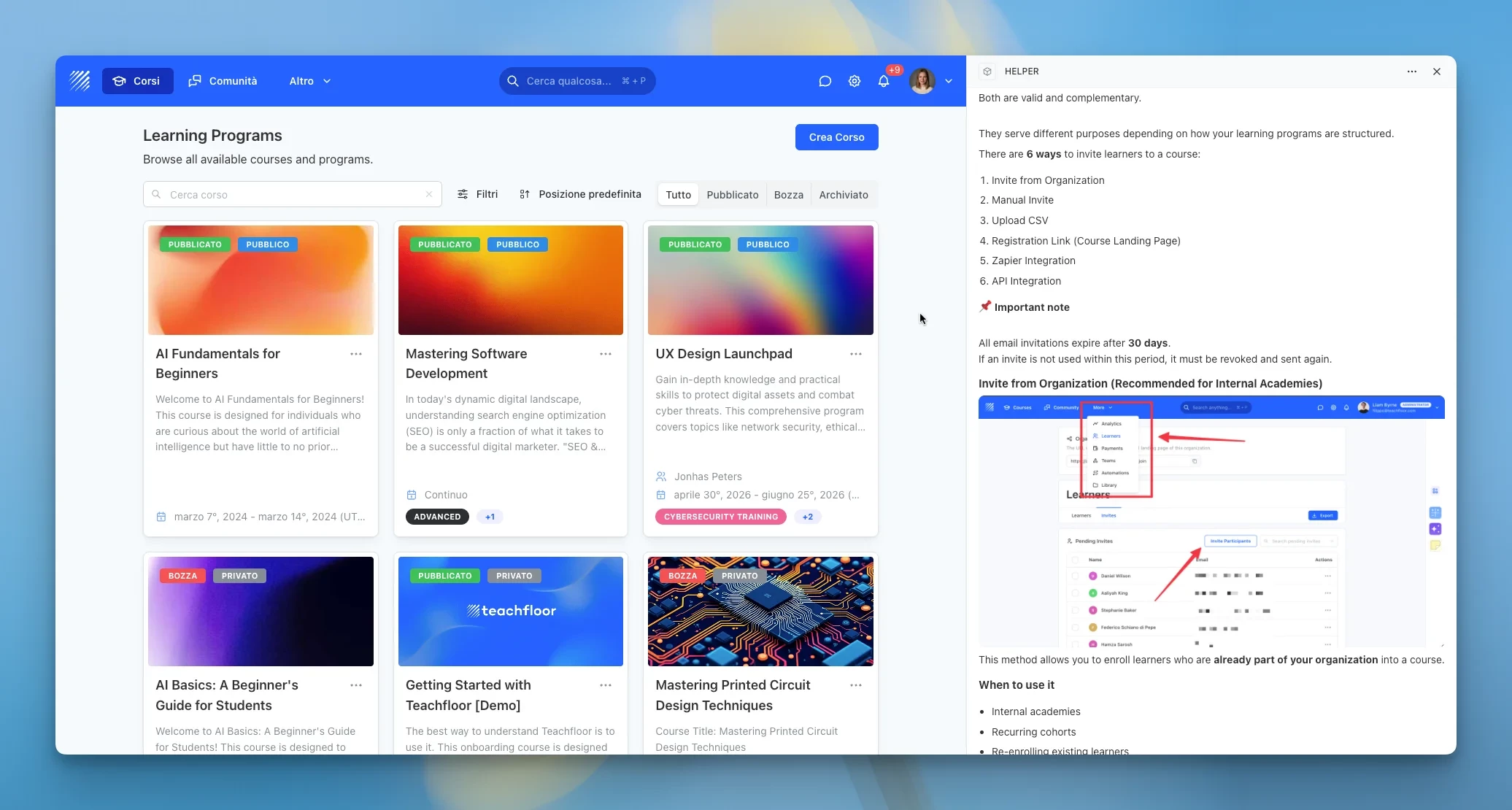
Search Everything
Can't find what you need? Search the entire knowledge base from the same panel and jump straight to any guide. Helper stays out of the way for learners, keeping the experience white-label friendly.
Permissions
Once installed, Helper will be permitted access to your Teachfloor data as described below.
- User:ReadRead-only
- Appdata:WriteRead-only
- Appdata:ReadRead-only